Install app using winget on Windows 10
Author: Jk Posted: 22 June 2020 Viewed: 4712 times Tag: #Windows 10
How to install app using Windows Package Manager
1. Open Start on Windows 10
2. Search for Command Prompt, right-click the top result, and select the Run as administrator option
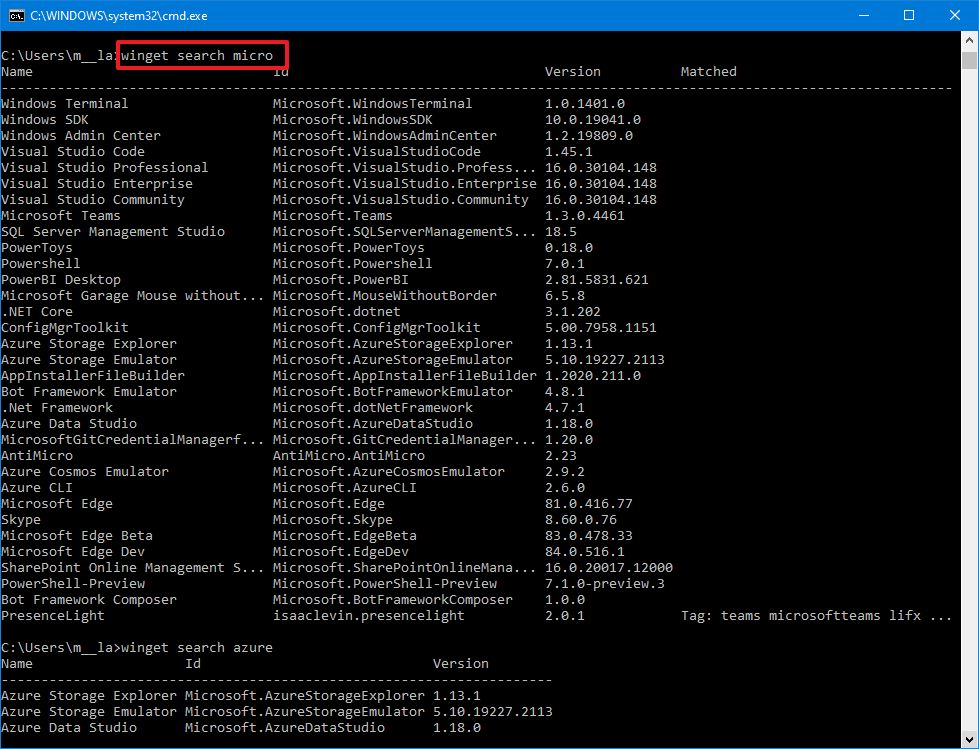
3. Type the following command to search the app and press Enter:
winget search APP-NAME
(Replace the APP-NAME for the name of the app that you’re trying to install)
For example, the following command winget search micro
4. Type the following command to install an app and press Enter:
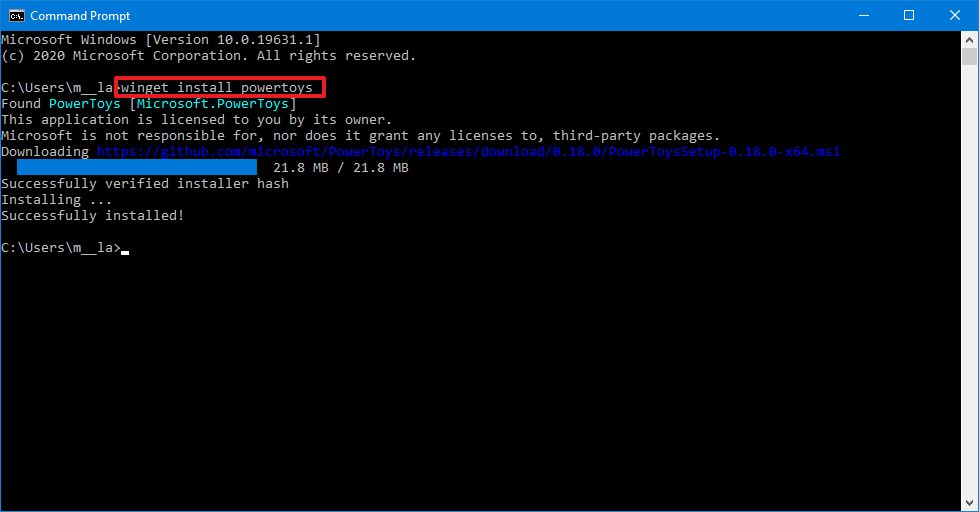
winget install APP-NAME
For example, the following command installs the PowerToys app:
winget install powertoys